 SafeGrounds
Approvals & Profiles
Approvals
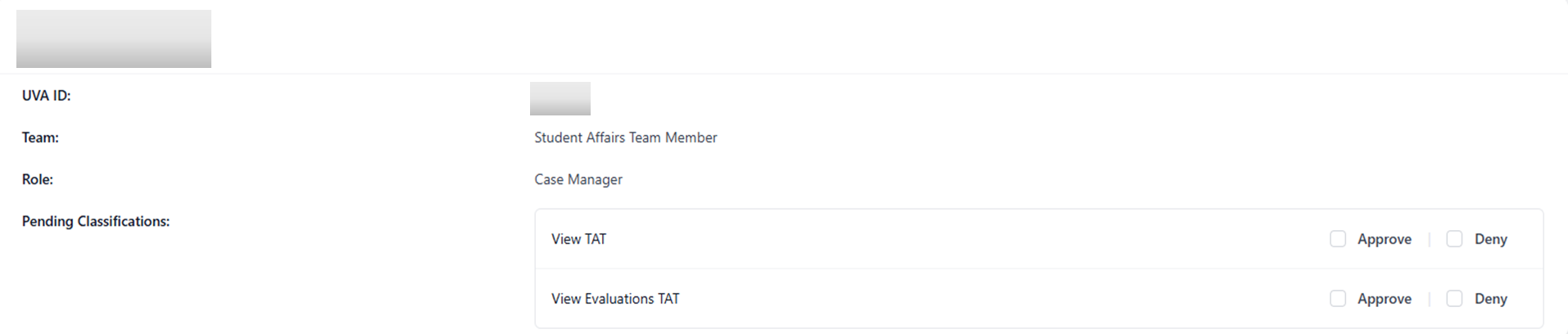
The Approvals page is where Classification Owners can review and grant pending permission requests. These are typically requests submitted by users who need access to classification cases.
Each pending permission request is displayed in its own card. Within each card you can review the requested permission and choose to either Approve or Deny it using the corresponding checkboxes.
Create Profile
The Create Profile page allows Classification Owners to create profiles that are not linked to any case. This is useful for recording notes on individuals who are not associated with a case or affiliated with UVA.
To create a profile fill out all required fields marked with a red asterisk and click the blue Create Profile button at the bottom of the page. The new profile will then be added and available for use.